| .codex | ||
| .github | ||
| assets | ||
| build | ||
| docs | ||
| scripts | ||
| src | ||
| test | ||
| themes | ||
| .gitignore | ||
| .prettierrc | ||
| AGENTS.md | ||
| CLAUDE.md | ||
| CONTRIBUTING.md | ||
| LICENSE | ||
| package-lock.json | ||
| package.json | ||
| README.md | ||

midnight
a dark, customizable discord theme.
install
vencord/betterdiscord (or any client that supports theme files)
- download the theme file,
midnight.theme.css. (there should be a download button at the top right of the page) - drag
midnight.theme.cssinto your theme folder. (there should be a button to open the theme folder in theme settings) - (optional) customize the theme by opening
midnight.theme.cssand editing the CSS variables within.
install through link
add https://refact0r.github.io/midnight-discord/build/midnight.css to your theme import links. you will need to copy the theme variables to your quickcss in order to customize the theme.
flavors
flavors are preset customizations for midnight.
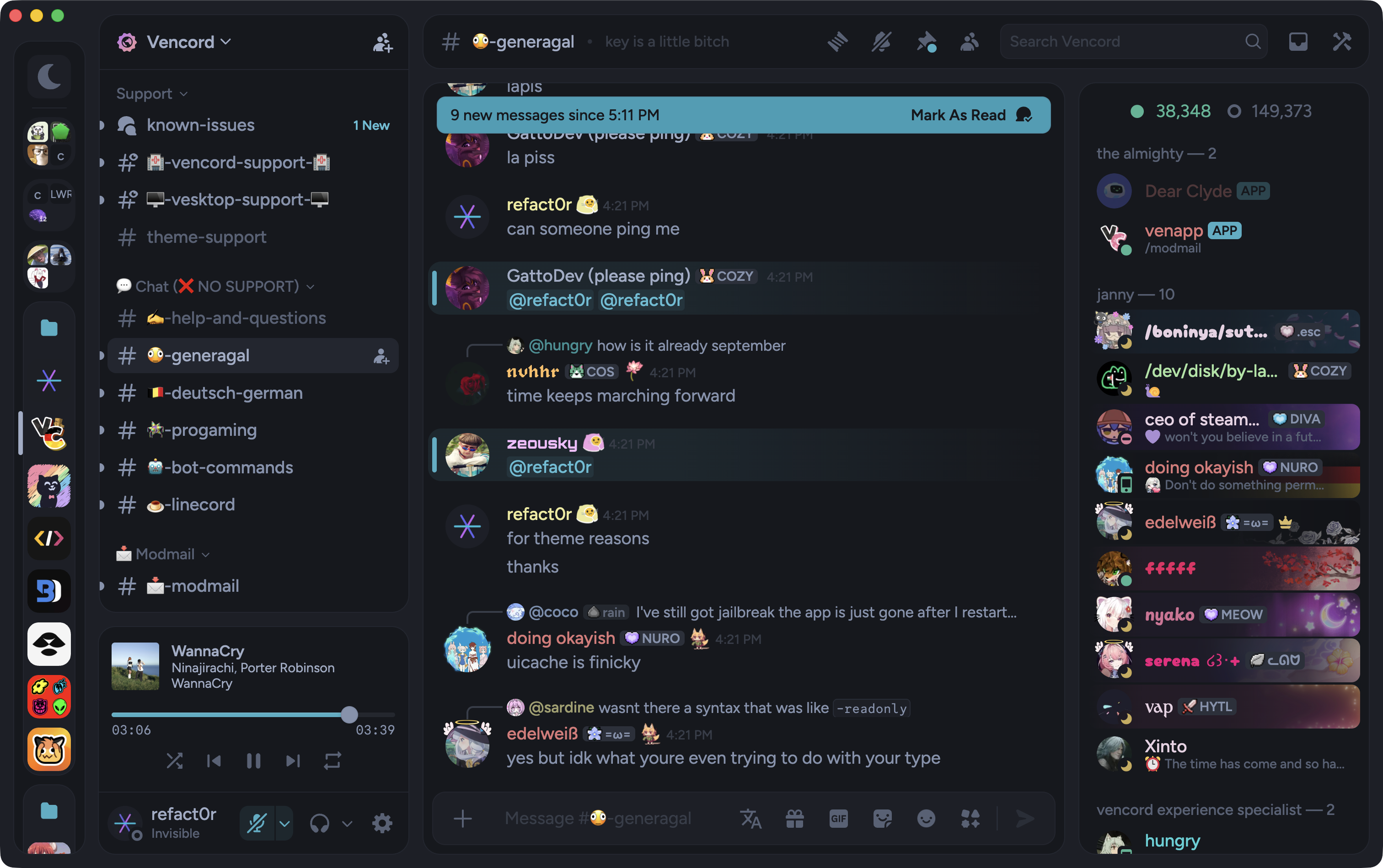
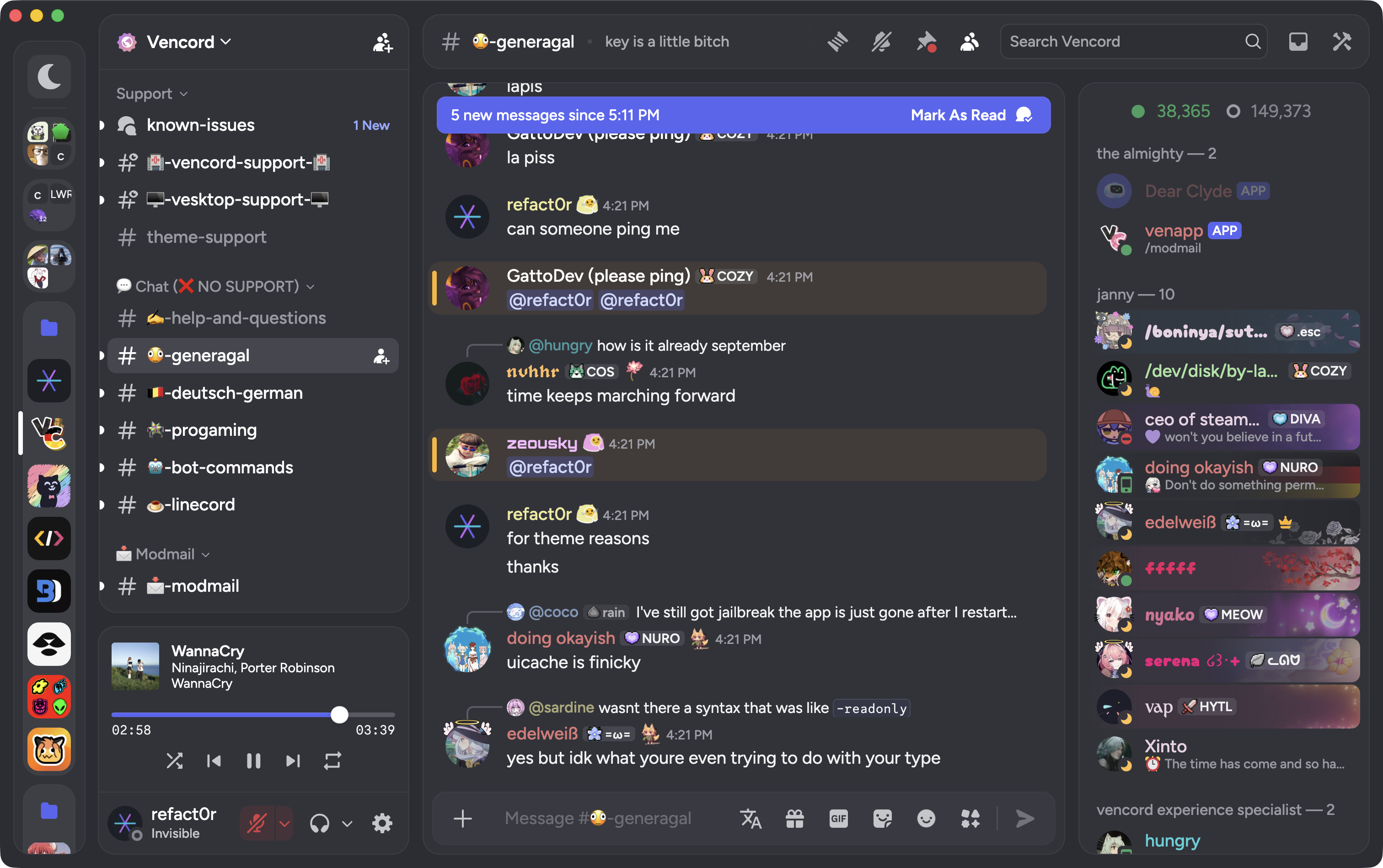
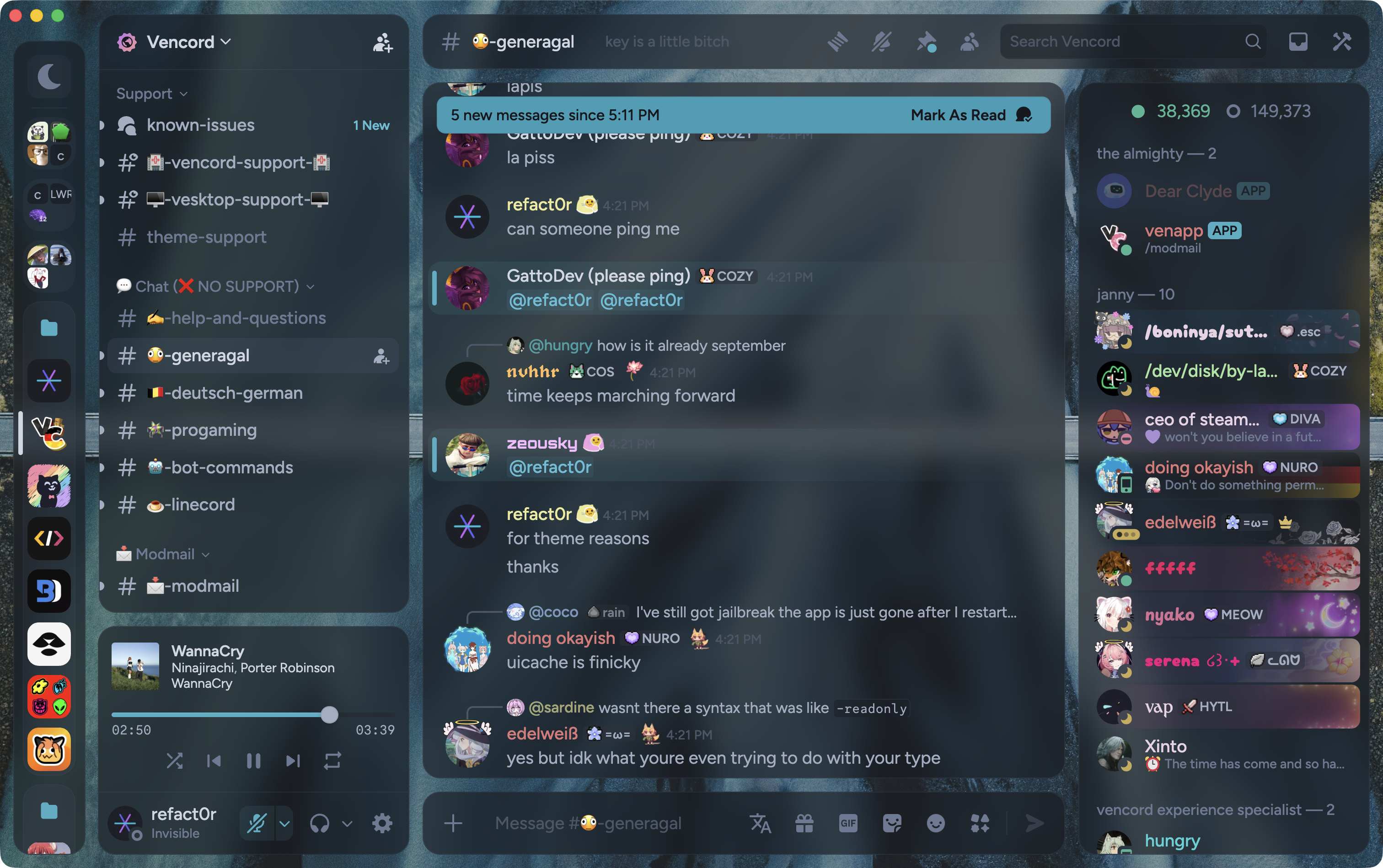
to use a flavor, follow the install instructions above but download the flavor theme file of your choice instead of midnight.theme.css. click a flavor name below to open its theme file, or click a preview image to view it at full size.
|
default discord
|
light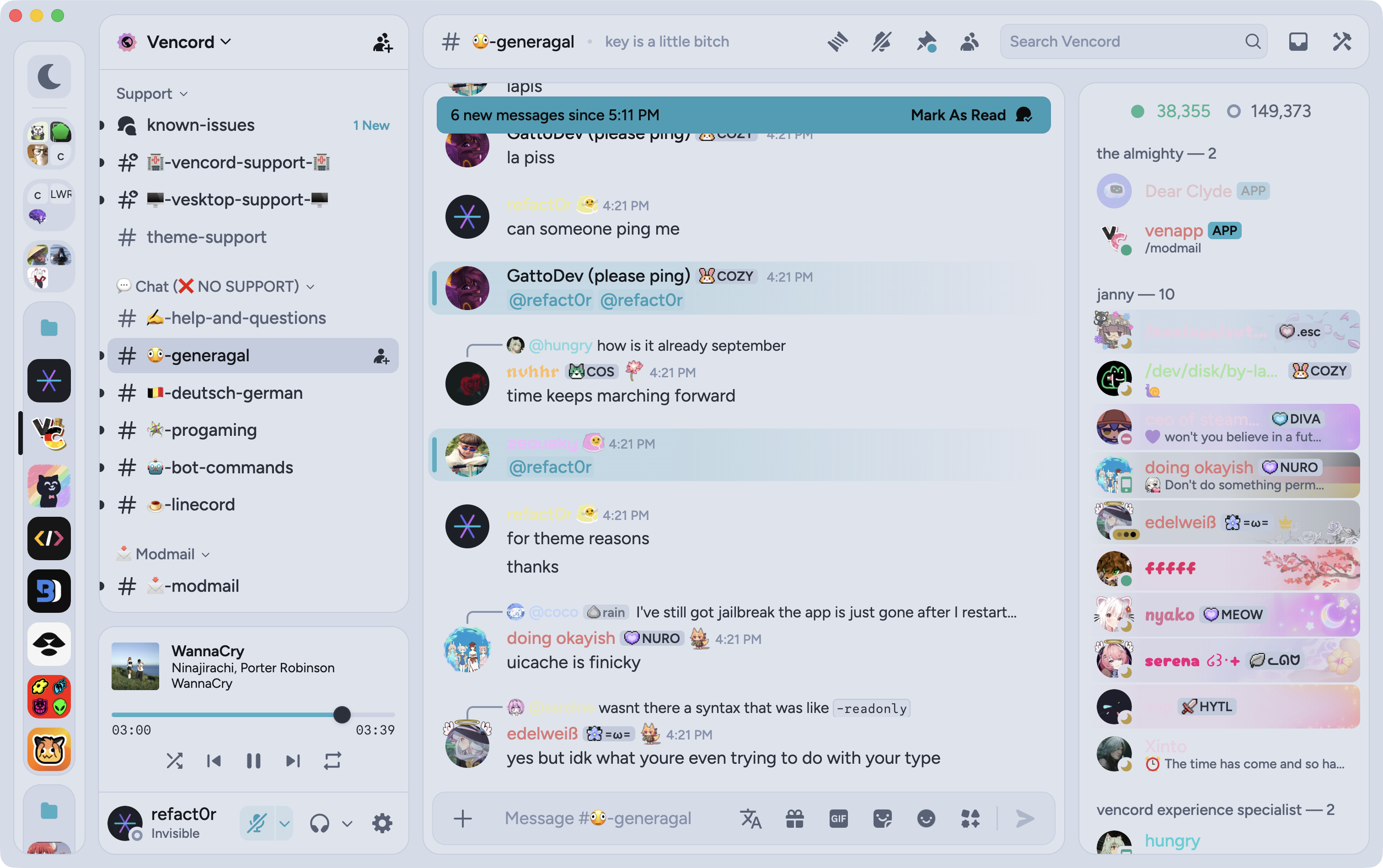
|
auto (follows system theme)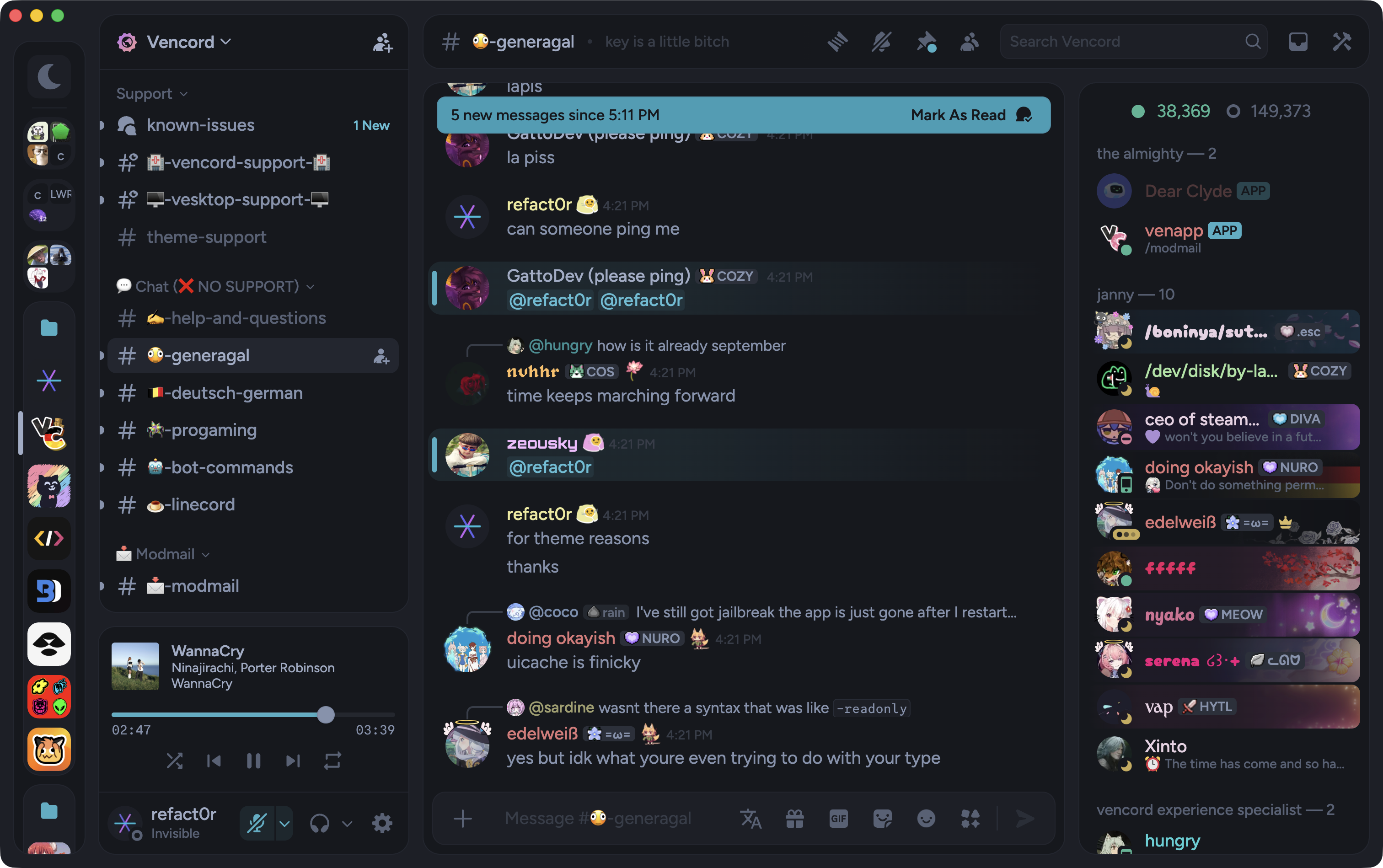
|
|
background
|
catppuccin mocha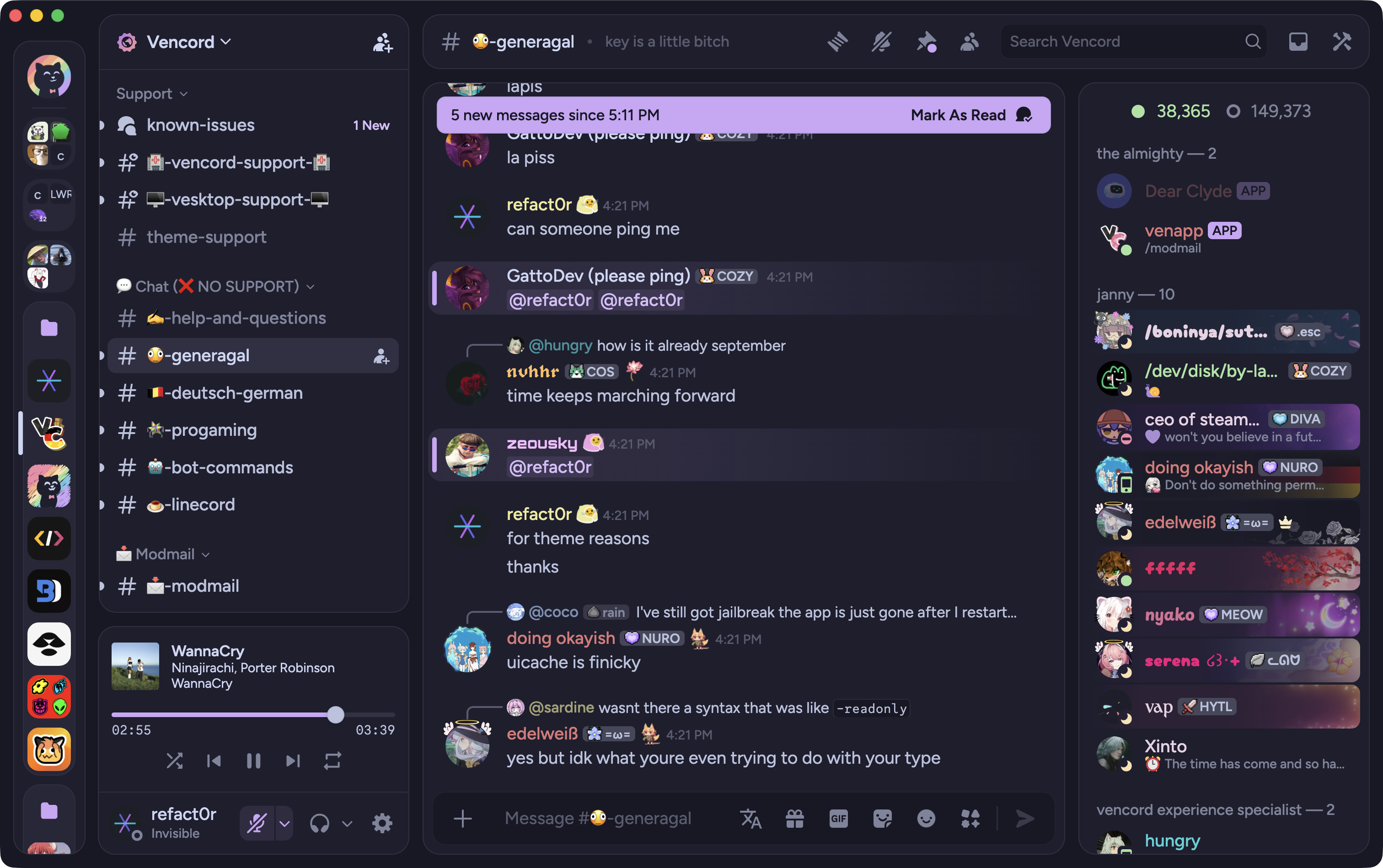
|
catppuccin macchiato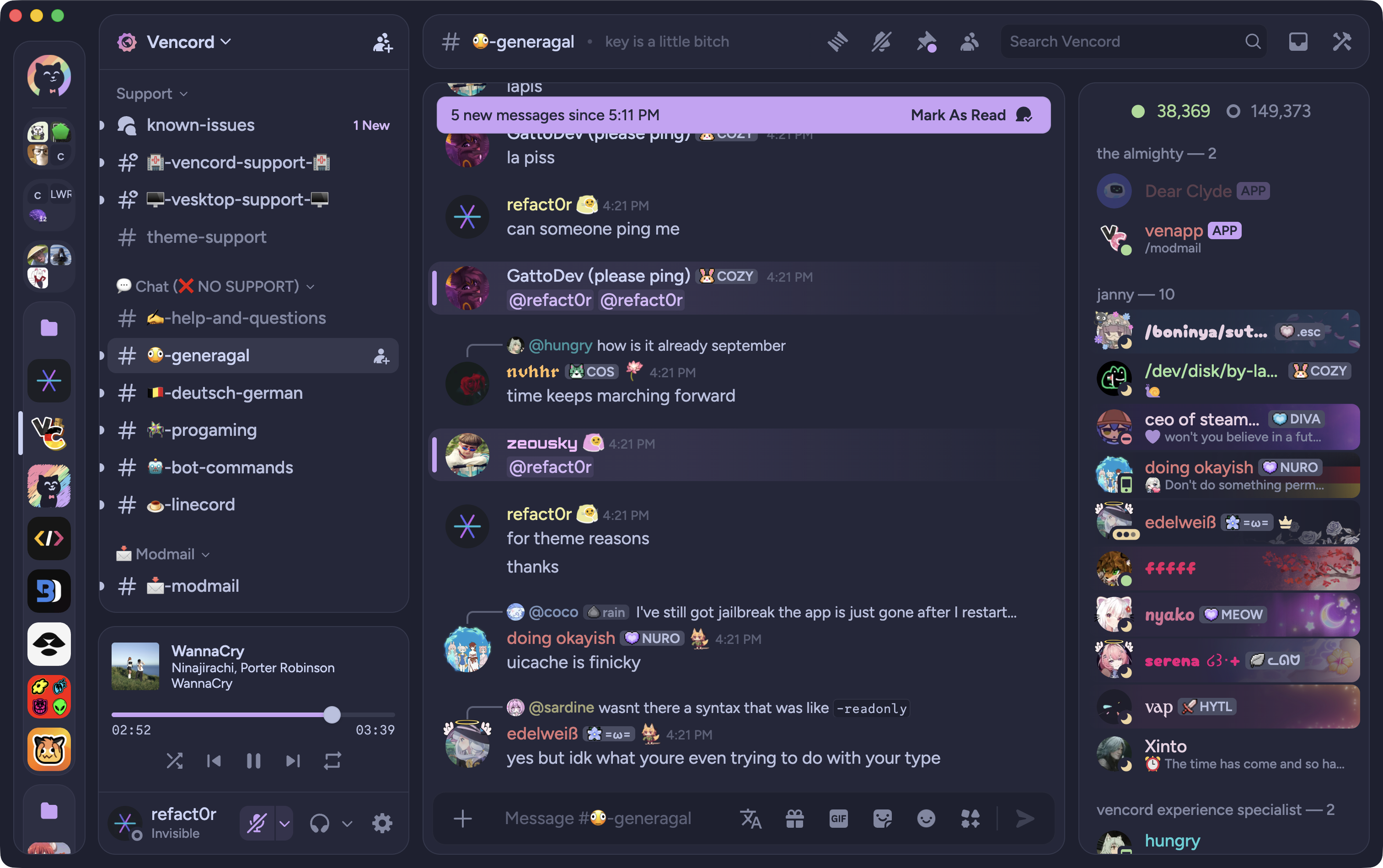
|
nord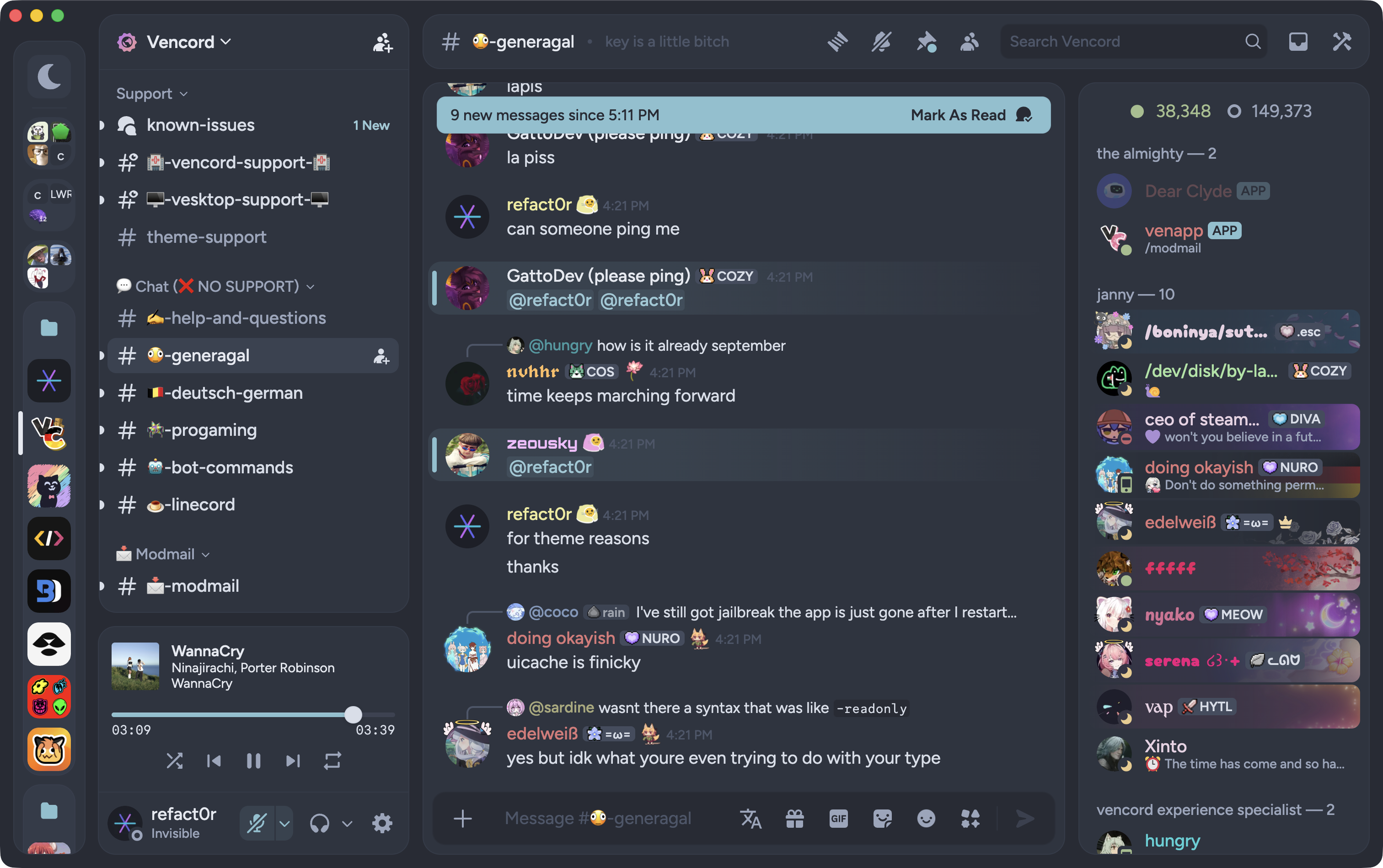
|
rose pine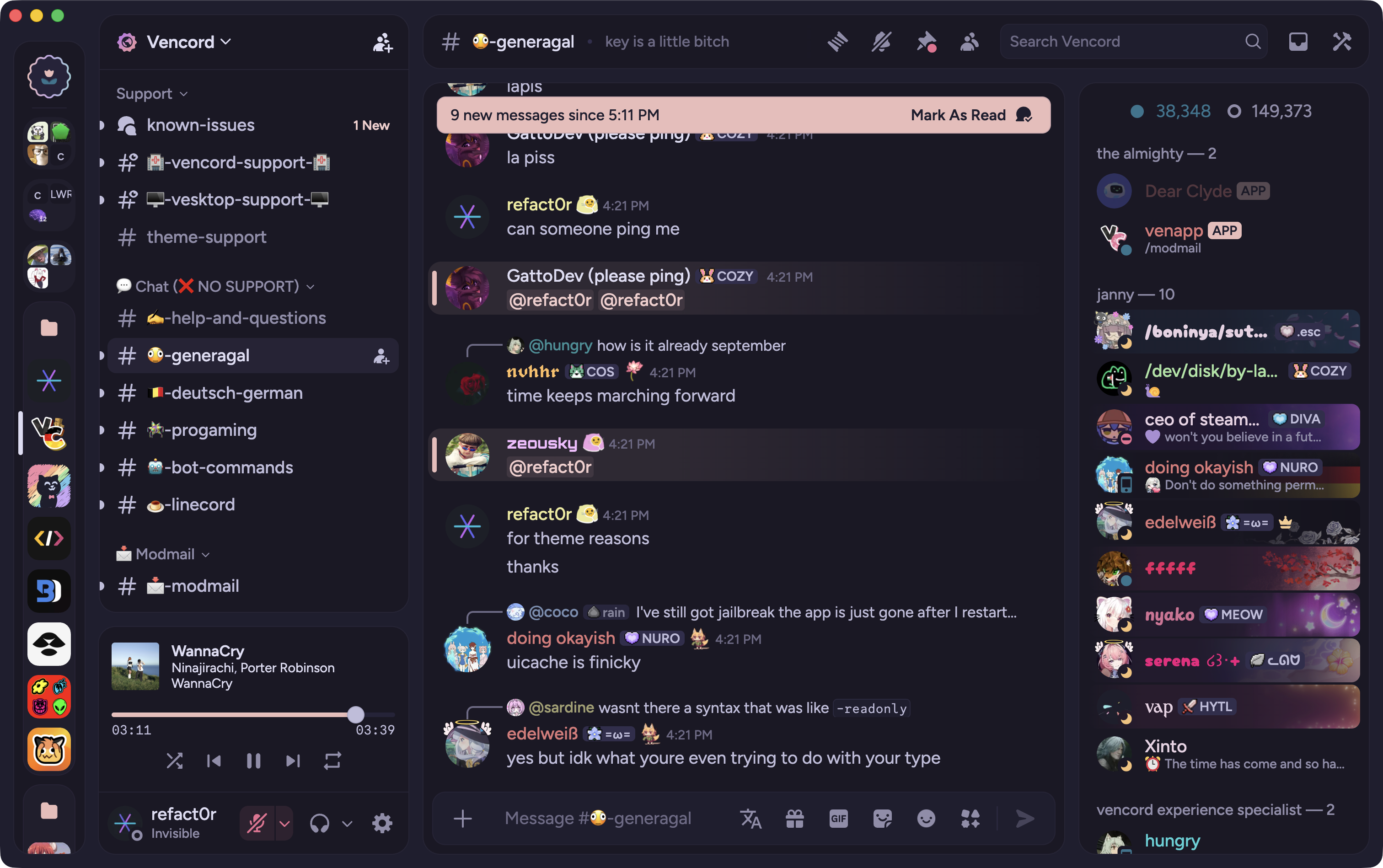
|
rose pine moon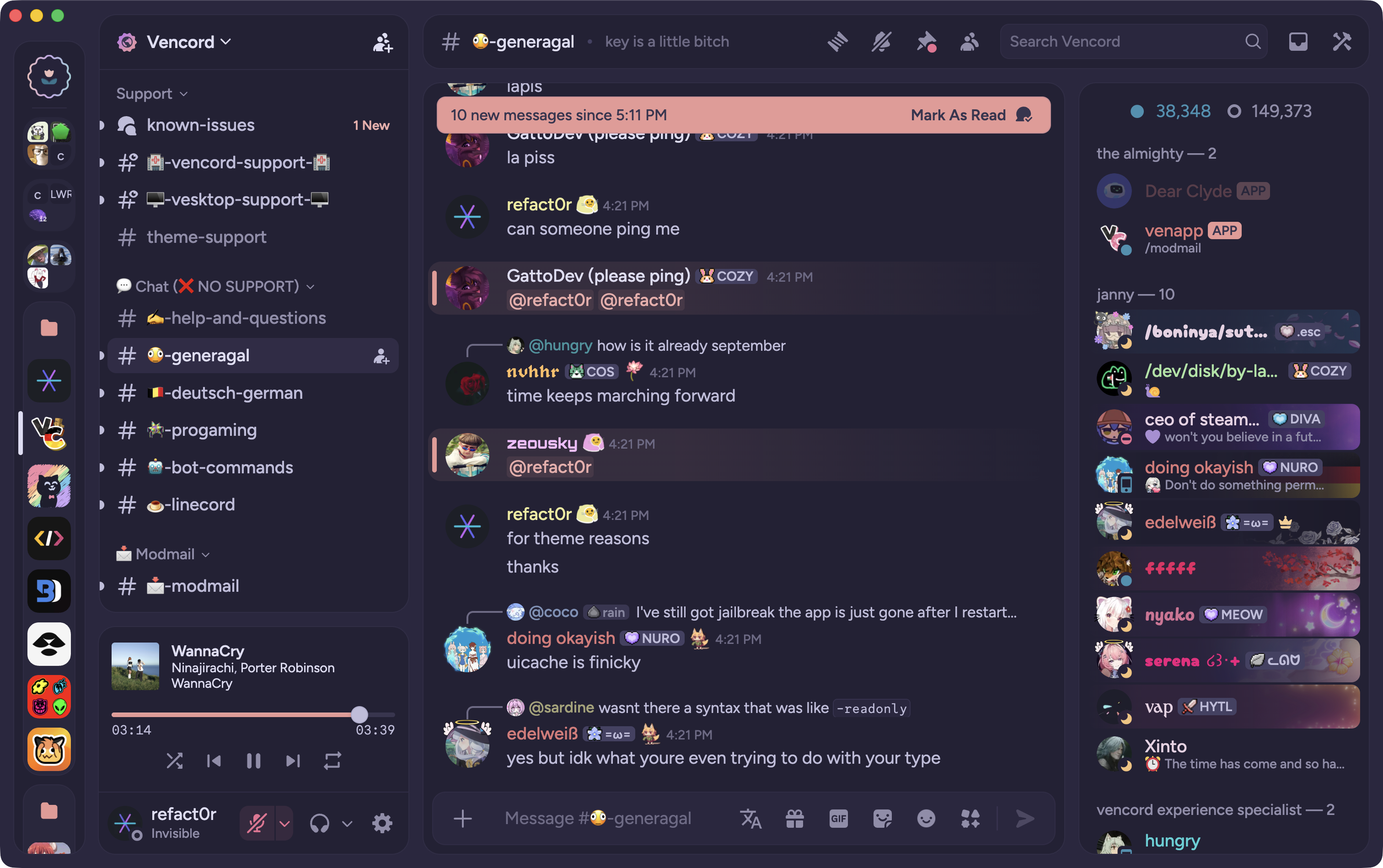
|
tokyo night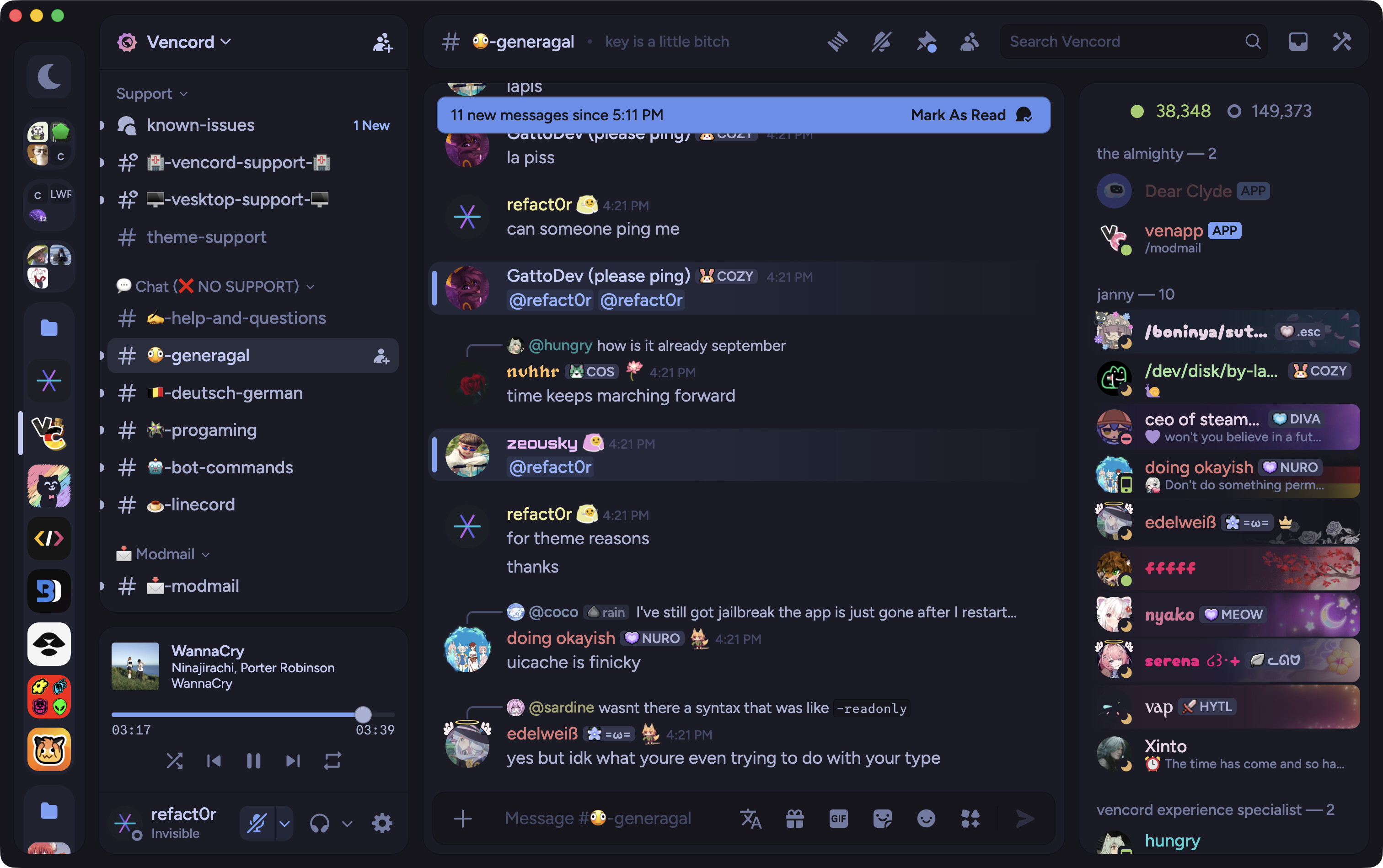
|
lilypichu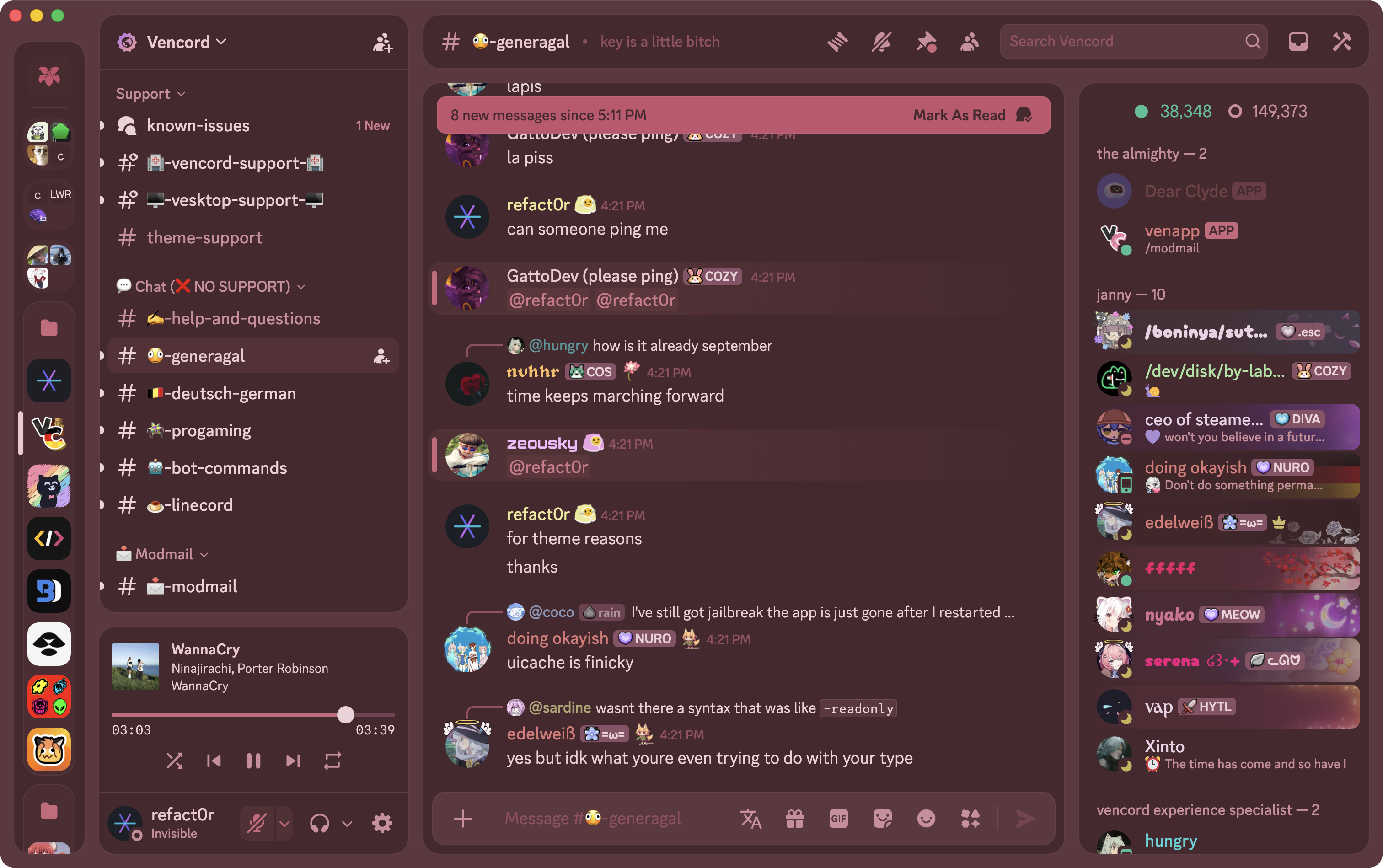
|
vencord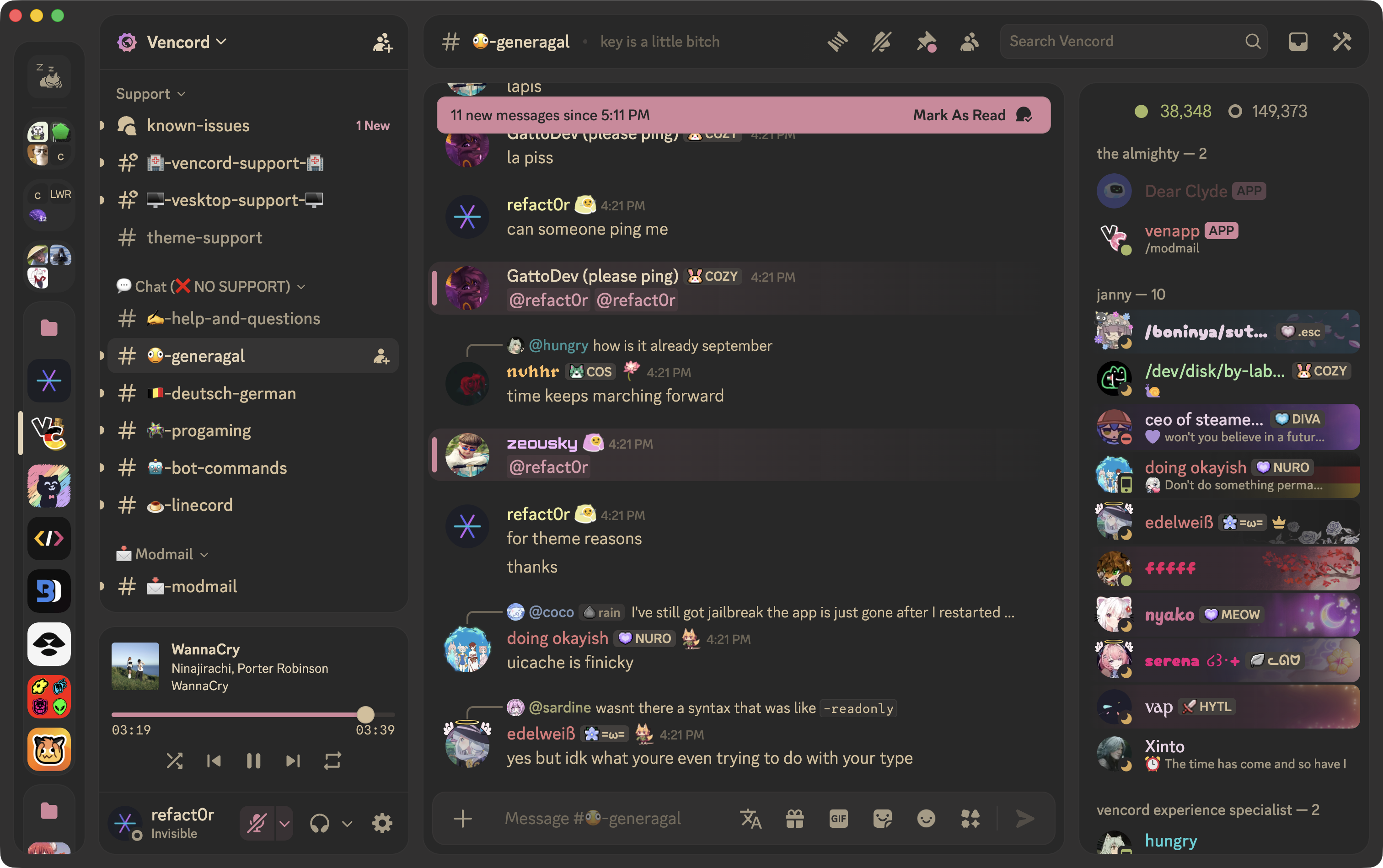
|
discord server
need help? want to give feedback? want to be notified about upcoming changes? join https://discord.gg/nz87hXyvcy
contributing
this theme uses a dev script to check for changes in the /src .css files and combine them into a build file in /build. note that both the /src files and the /build file are tracked in git, so any changes you contribute should exist in both places!!
to run locally:
- clone the repository.
- run
npm i. - create a
.envfile in the project root with the paths of any local theme files you want to update (comma separated)
DEV_OUTPUT_PATH=C:\Users\USERNAME\AppData\Roaming\Vencord\themes\midnight-dev.theme.css
- run
npm run dev. - make changes to any file in
/srcor the main theme file. the local theme files you listed will automatically be updated, along with the build file in/build. - make a pull request with your changes!
credits
original design inspired by https://github.com/schnensch0/zelk
window controls inspired by https://github.com/Dyzean/Tokyo-Night
thanks to all the contributors!